| Ref | Guest | Contact | Guests | Date & Time | Seating | Special Requests | Status | Actions |
|---|---|---|---|---|---|---|---|---|
| Loading reservations... | ||||||||
Page Images & Gallery Manager
Manage Hero Slides, Venue Pillars, and the 7-photo Waterfront Gallery Collage shown on the live site.
Waterfront Gallery Collage
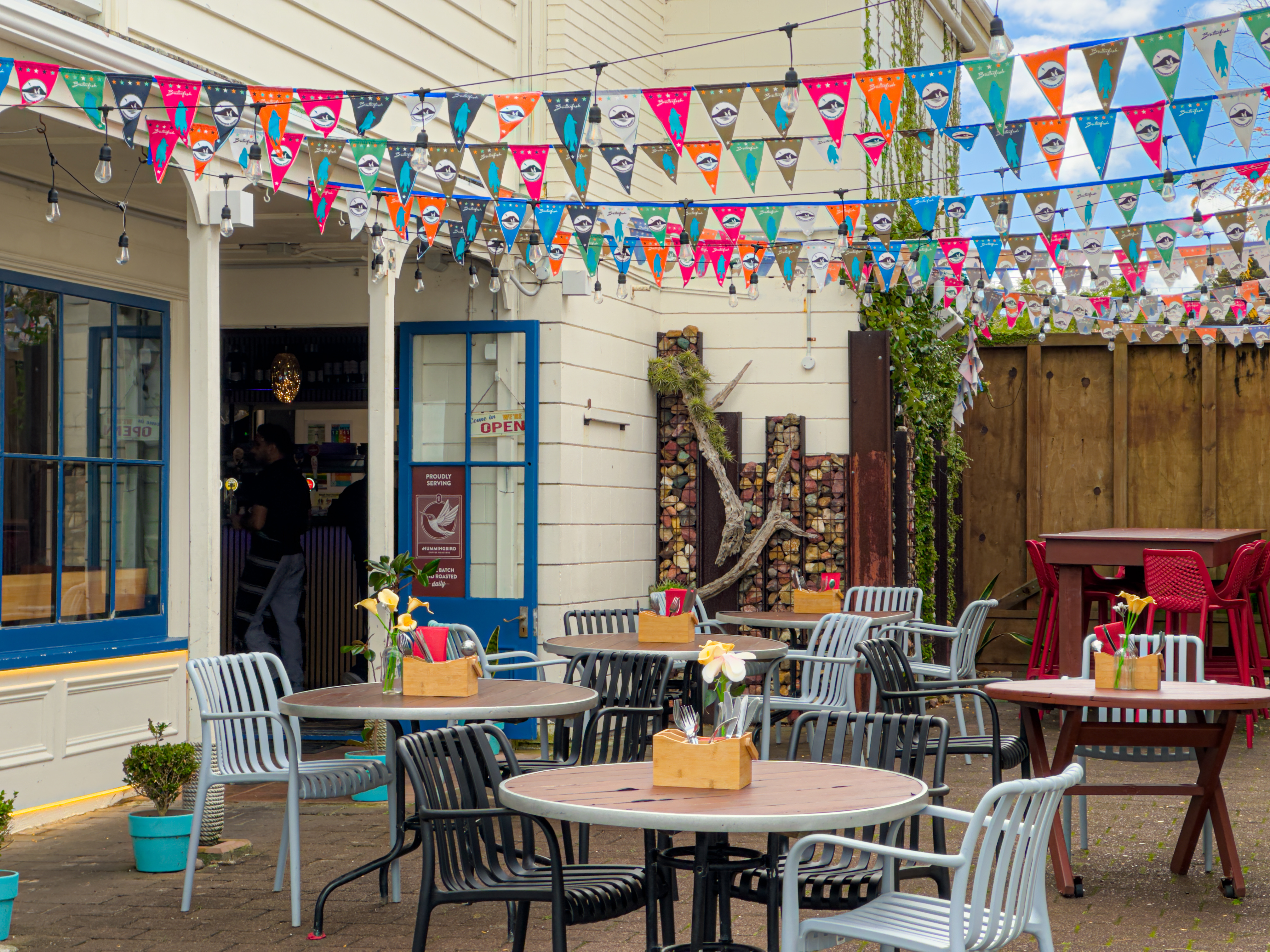
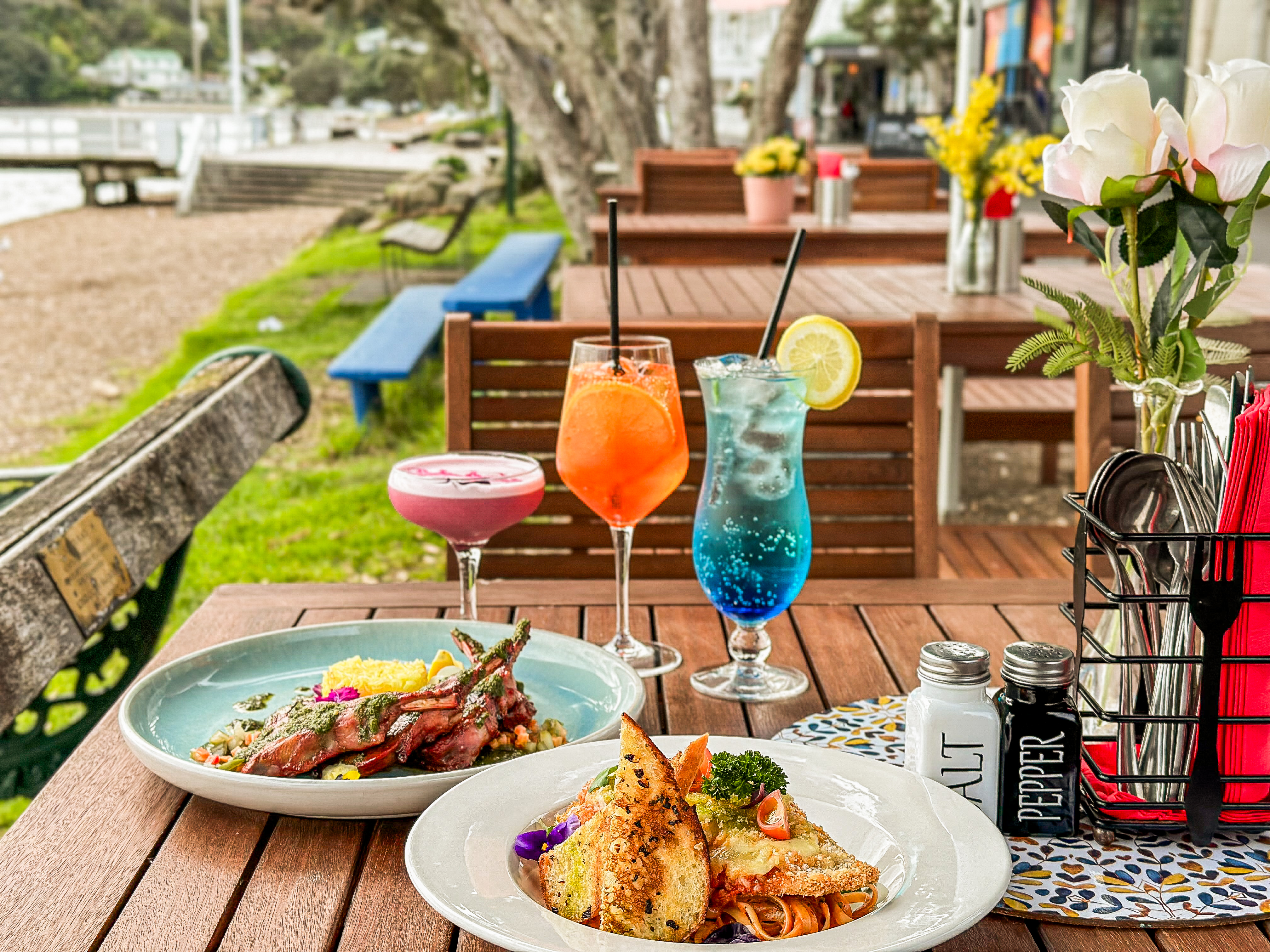
Full CRUDThe asymmetric photo collage (Atmosphere, Terrace, Culinary, Drinks, etc.). Add photos, change images, edit titles & tags, or delete.
Hero Banner Slider
Fullscreen background slides rotating on the homepage landing.
Three Venue Pillars
Featured photo cards for Restaurant, Bar and Sundeck.
About Page Header
Hero banner image behind the Our Story heading.
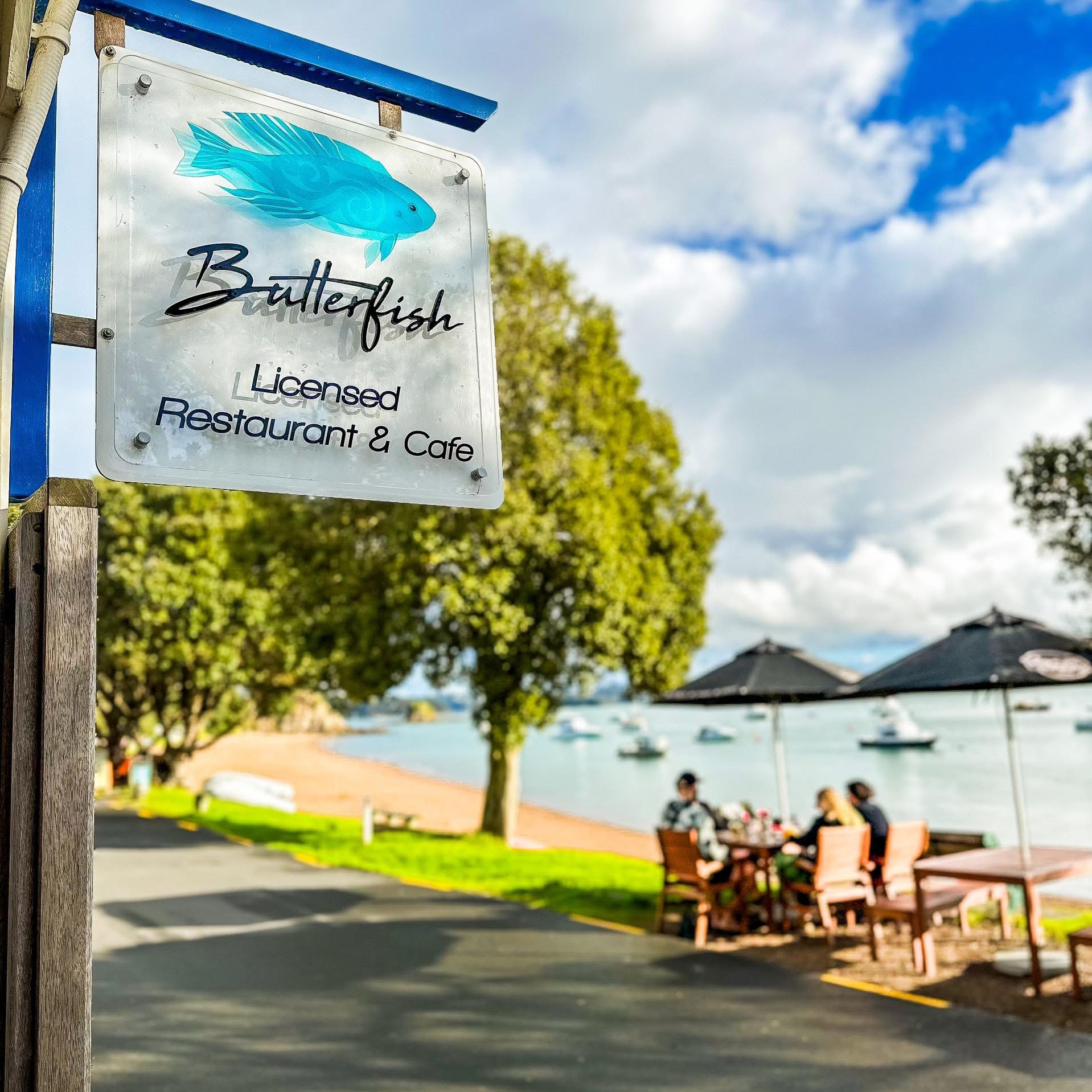
Historic Setting Feature
Large photo beside the Russell Foreshore heritage editorial.
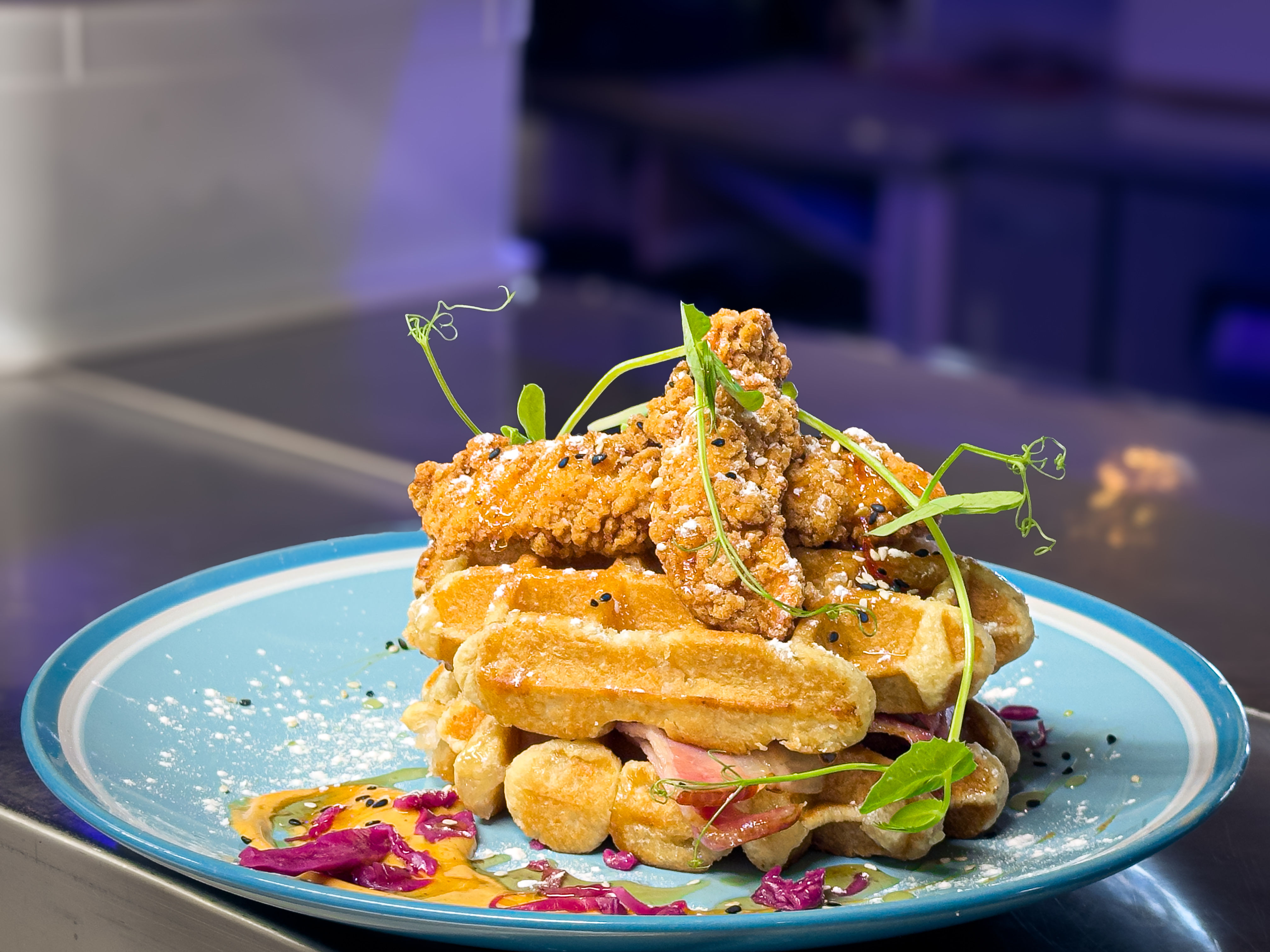
Menus Page Hero Header
Hero banner image displayed at the top of the /menus page.
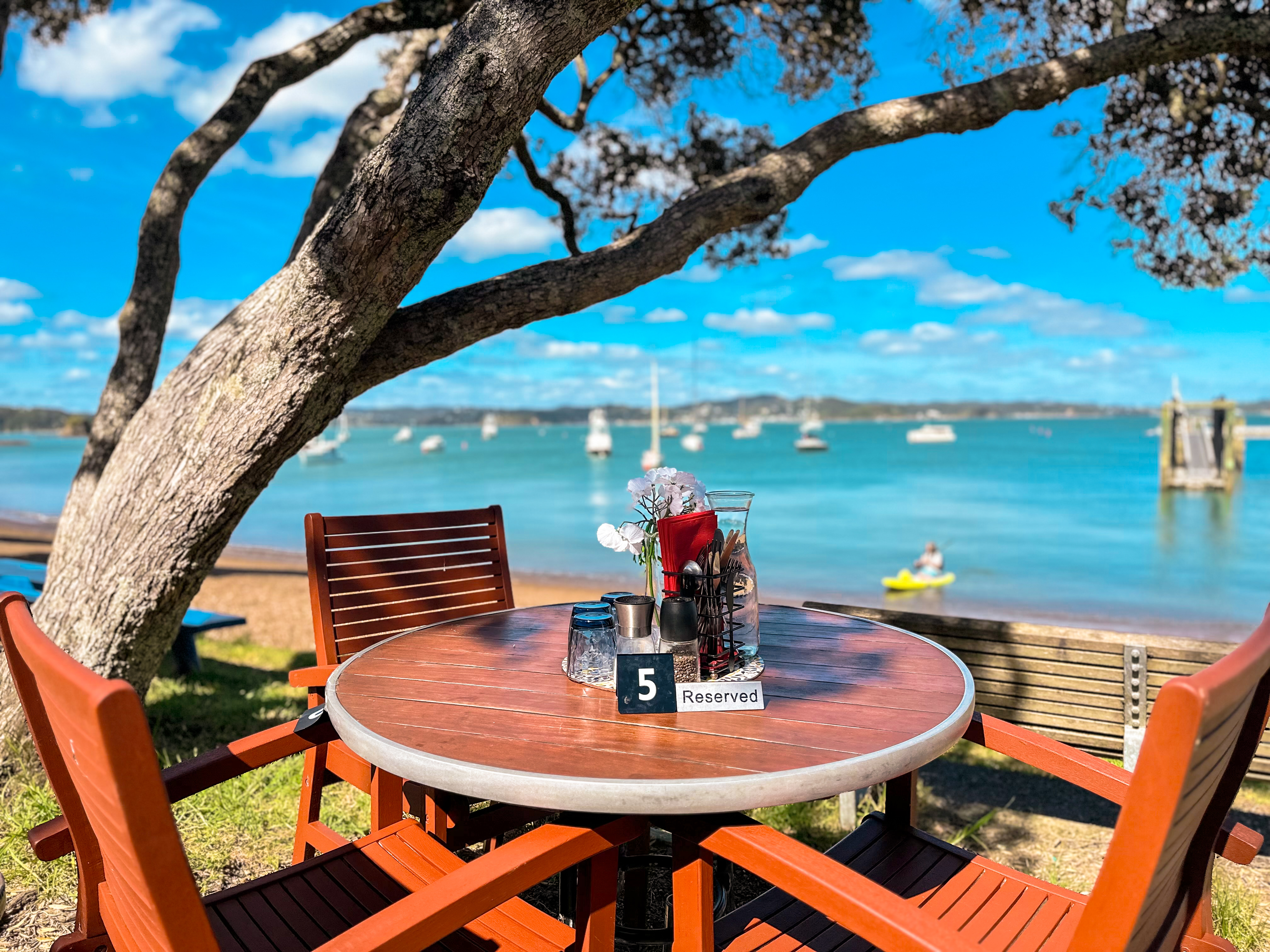
Gallery Page Hero Header
Hero banner image displayed at the top of the /gallery page.
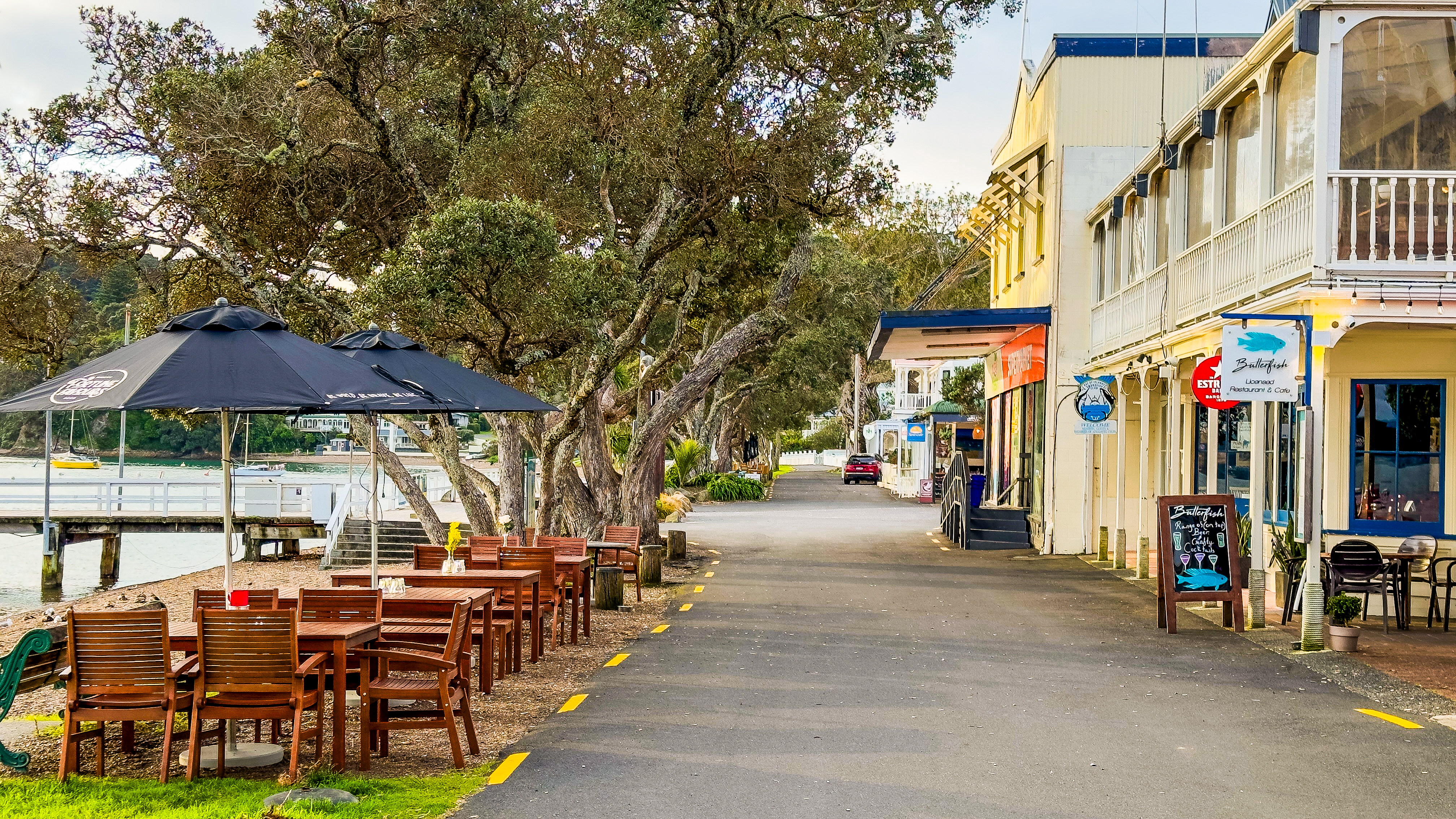
Tip: Waterfront Gallery Collage Photos
The collage photos (Atmosphere, Terrace, Culinary, Drinks, etc.) are managed under the Homepage tab above. Any additions, edits, or removals update both the Homepage collage and the Gallery page automatically.
Contact Page Hero Header
Hero banner image displayed at the top of the /contact page.
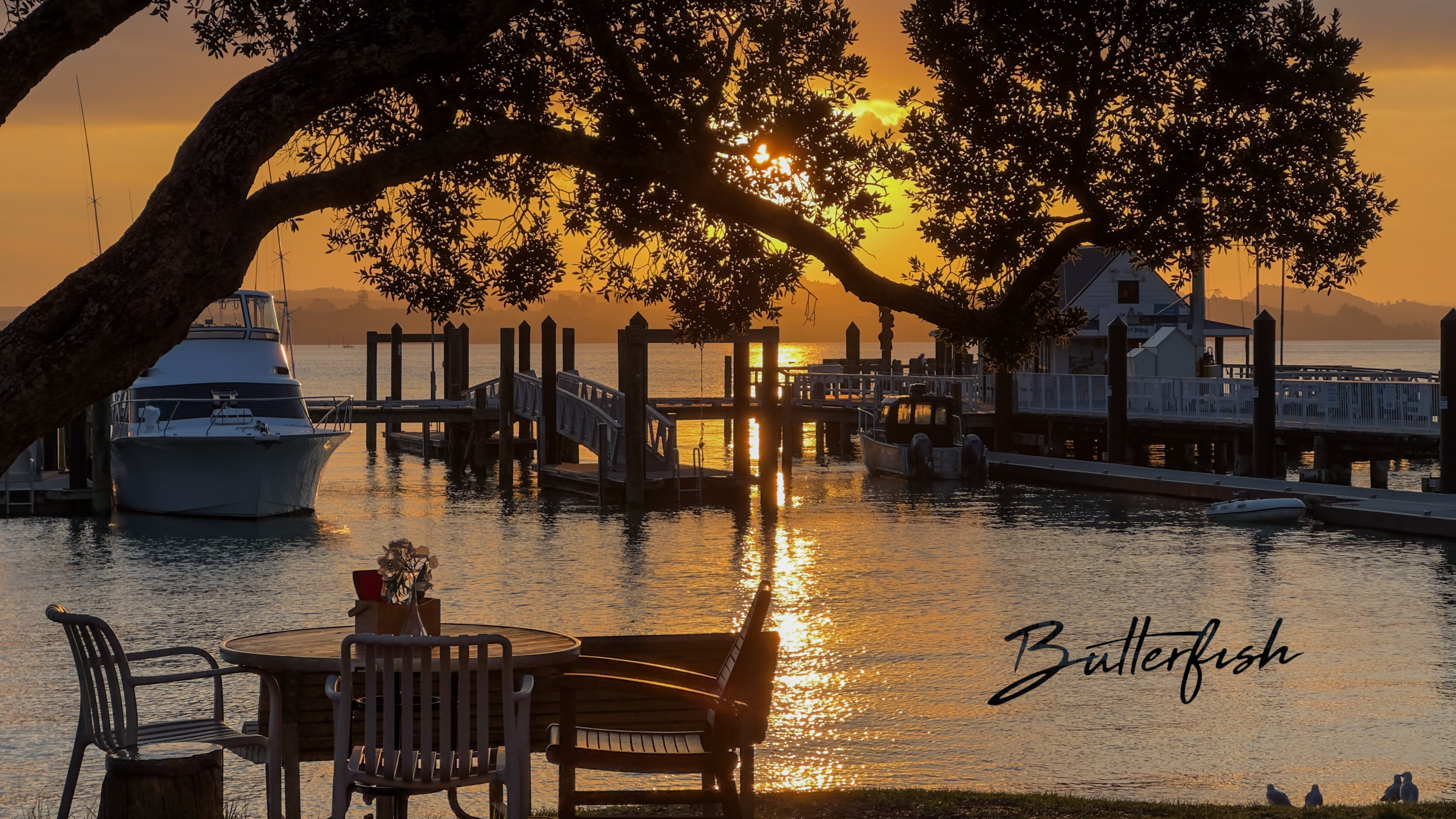
Upload New Imagery
Upload high-resolution photography directly to the server (JPG, PNG, WEBP, GIF supported).
Server Image Library
All active photography stored in /public/images/.
Private Event Inquiries
Weddings, birthdays, corporate functions and private sundeck gatherings.
| Ref | Organizer | Contact | Event Type | Guests | Preferred Date | Notes | Status | Actions |
|---|---|---|---|---|---|---|---|---|
| Loading event inquiries... | ||||||||
Email Notifications & SMTP
Checking...Configure live email delivery to receive instant booking and inquiry alerts at mehakkhannna@gmail.com.
How to activate live Gmail notifications in 1 minute:
Google requires a 16-character Gmail App Password for local web servers (your standard Gmail account password cannot be used directly for SMTP authentication):
- Log in to your Google Account at myaccount.google.com/apppasswords.
- Under Security → 2-Step Verification, scroll down to App passwords.
- Enter an app name like Butterfish Website and click Create.
- Google will generate a 16-character password (e.g.,
abcd efgh ijkl mnop). - Paste it into the Gmail App Password field below and click Save Settings, then click Send Test Email!